
ScreenDiag
Professional Display Testing Suite. The complete toolkit for display quality assessment.

Requires macOS 14 or later
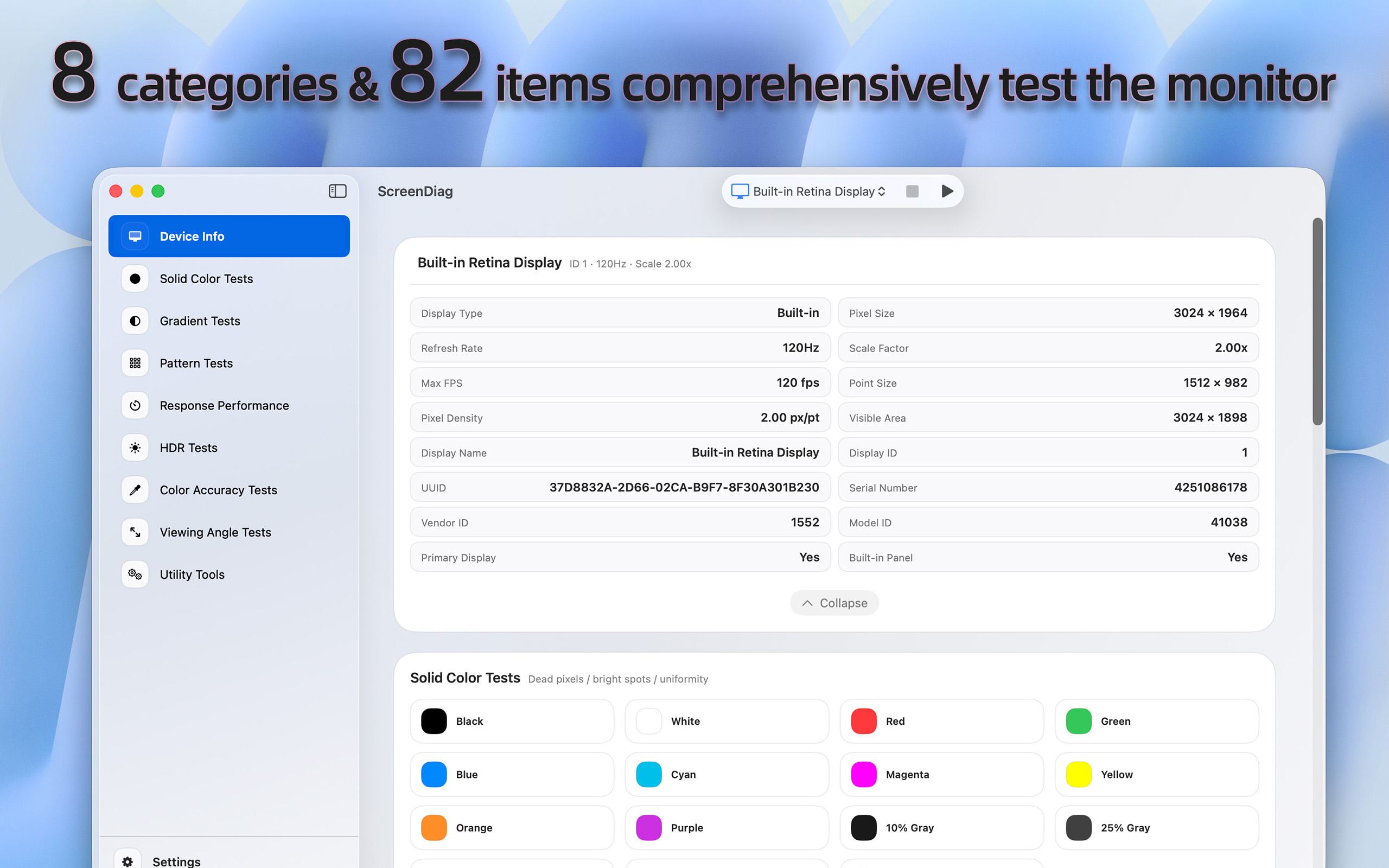
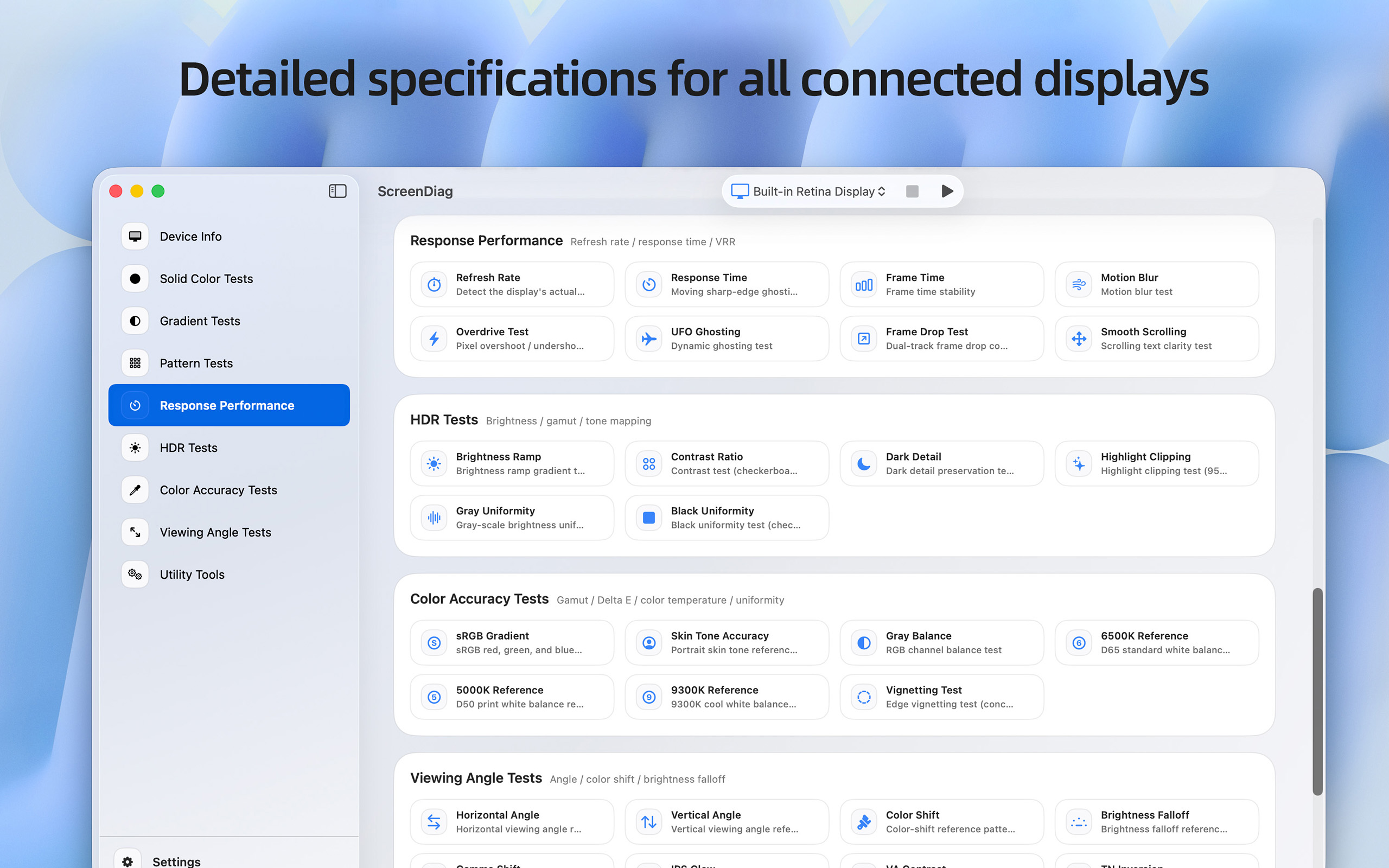
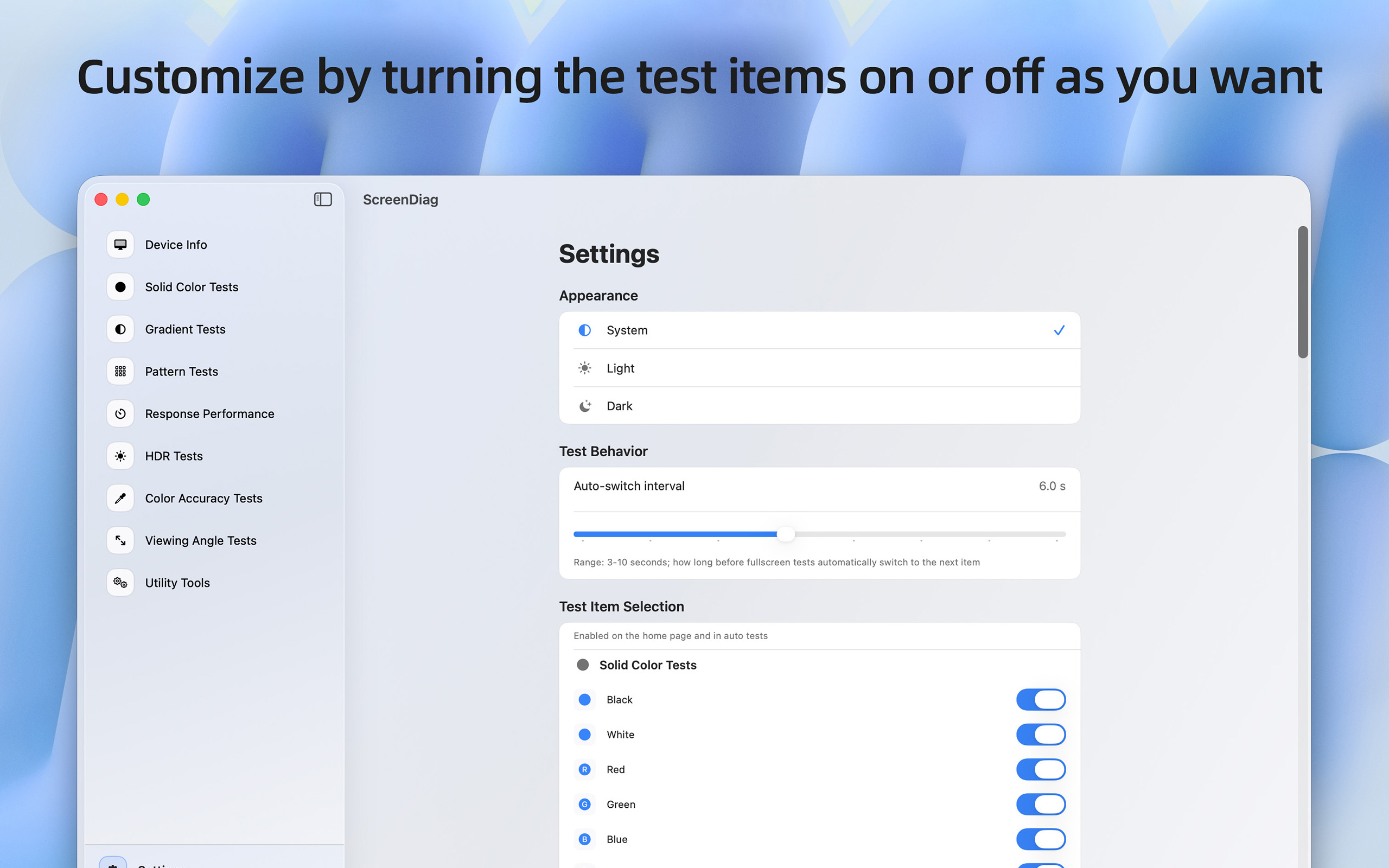
ScreenDiag is a comprehensive professional display testing application designed for macOS. Whether you're a graphic designer, photographer, gamer, or simply want to ensure your monitor is performing optimally, ScreenDiag provides the complete toolkit you need.
9 PROFESSIONAL TEST CATEGORIES
📱 DEVICE INFORMATION
Instantly view detailed specifications of all connected displays including resolution, refresh rate, scale factor, pixel density, and hardware identifiers.
🎨 SOLID COLOR TESTS
Detect dead pixels, stuck pixels, backlight bleeding, and color uniformity issues using pure black, white, RGB primaries, and 5-level gray scale patterns.
↗️ GRADIENT TESTS
12 precision gradient patterns including black-to-white horizontal/vertical/diagonal sweeps, RGB channel tests, rainbow spectrum, gamma verification, and radial gradients to identify banding and color transition issues.
⬜ PATTERN TESTS
16 test patterns including fine grids, checkerboards, alignment lines, dot patterns, and contrast patterns to evaluate sharpness, geometry, and pixel-level accuracy.
⚡ RESPONSE PERFORMANCE
Advanced motion tests including refresh rate detection (supports ProMotion), response time analysis, frame time stability, motion blur assessment, overdrive detection, UFO ghosting test, and smooth scrolling evaluation.
🔆 HDR TESTS
Comprehensive high dynamic range assessment with brightness ramp verification, contrast ratio measurement, dark detail preservation (0-5% range), highlight clipping detection (95-100% range), and uniformity tests.
🎯 COLOR ACCURACY
Professional color calibration tools including sRGB gradient display, 9-tone skin tone reference, RGB channel balance, D65/D50/9300K white balance standards, and vignetting detection.
👁 VIEWING ANGLE TESTS
10 specialized patterns to evaluate horizontal/vertical viewing angles, color shift, brightness falloff, gamma shift, IPS glow, VA contrast characteristics, TN inversion, and off-axis color reproduction.
🛠 UTILITY TOOLS
Technical verification suite with pixel sharpness (1:1 mapping), scaling quality assessment, HiDPI/Retina mode verification, geometry distortion detection, and subpixel rendering analysis.
DESIGNED FOR PROFESSIONALS
- Full-screen testing mode for distraction-free analysis
- Auto-switching between test patterns with customizable intervals
- Support for multiple simultaneous displays
- Detailed technical documentation for each test
- Optimized for macOS with native SwiftUI interface
- Light, Dark, and PRO appearance themes
PERFECT FOR
- Display manufacturers and QA engineers
- Professional photographers and video editors
- Graphic designers and digital artists
- PC enthusiasts and gamers
- IT professionals and system administrators
- Anyone purchasing a new monitor who wants to verify quality
Support
Feel free to contact us with any questions, feedback, or suggestions. We are here to help you! Email: pm@utap.me