

TabWin
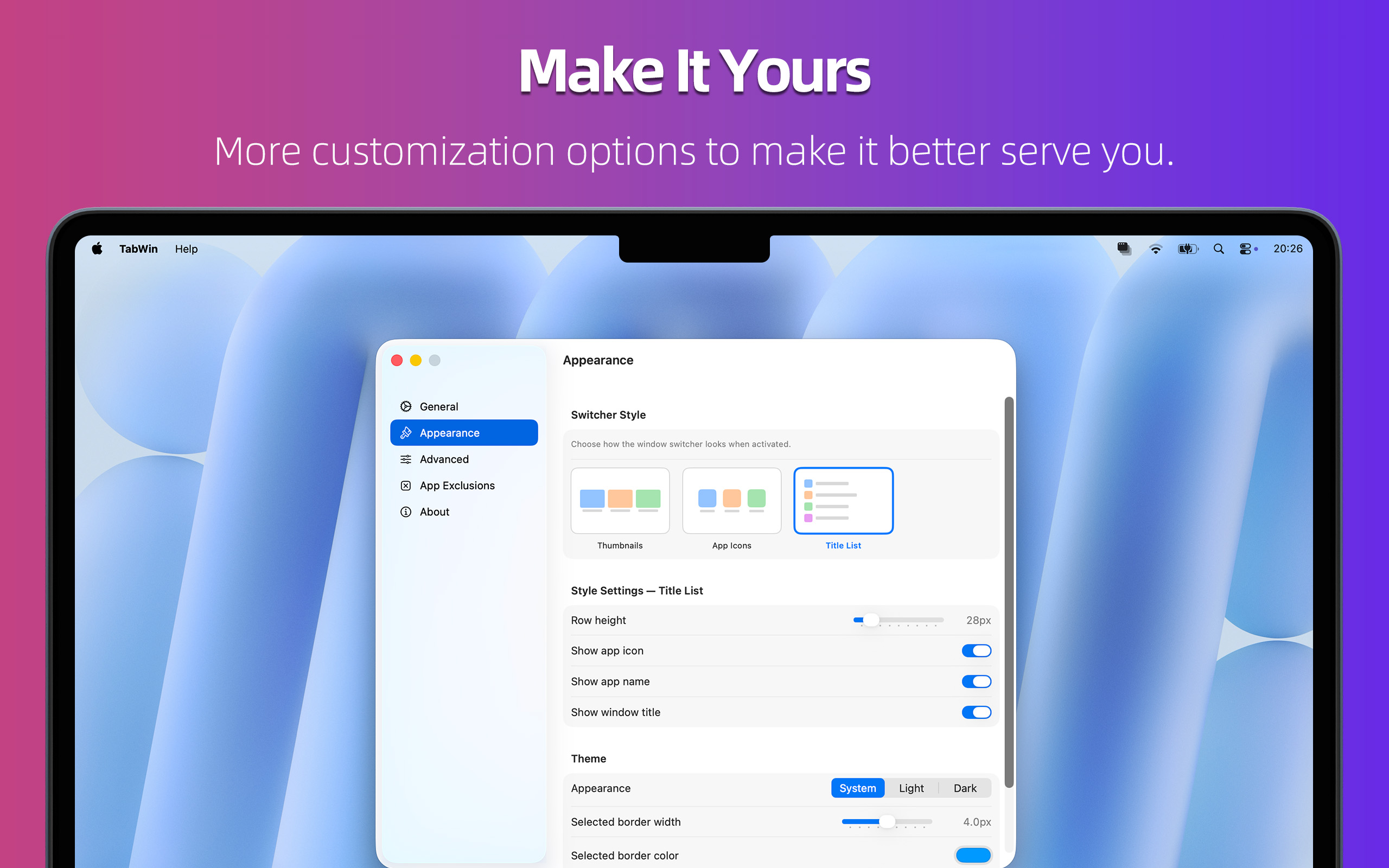
A multi-style window switcher for your Mac. Pick your style — Thumbnails, App Icons, or List view.

Requires macOS 14 or later
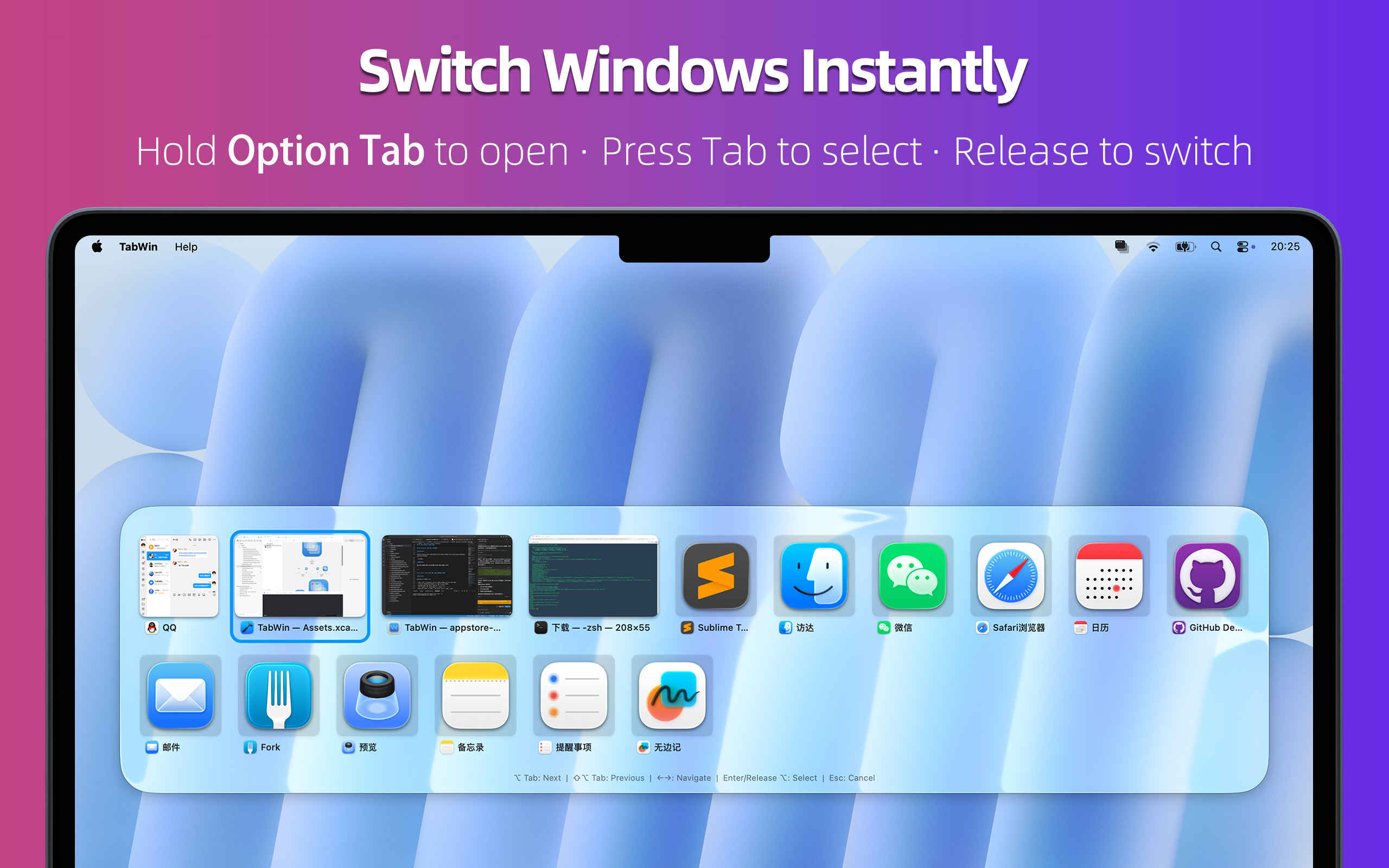
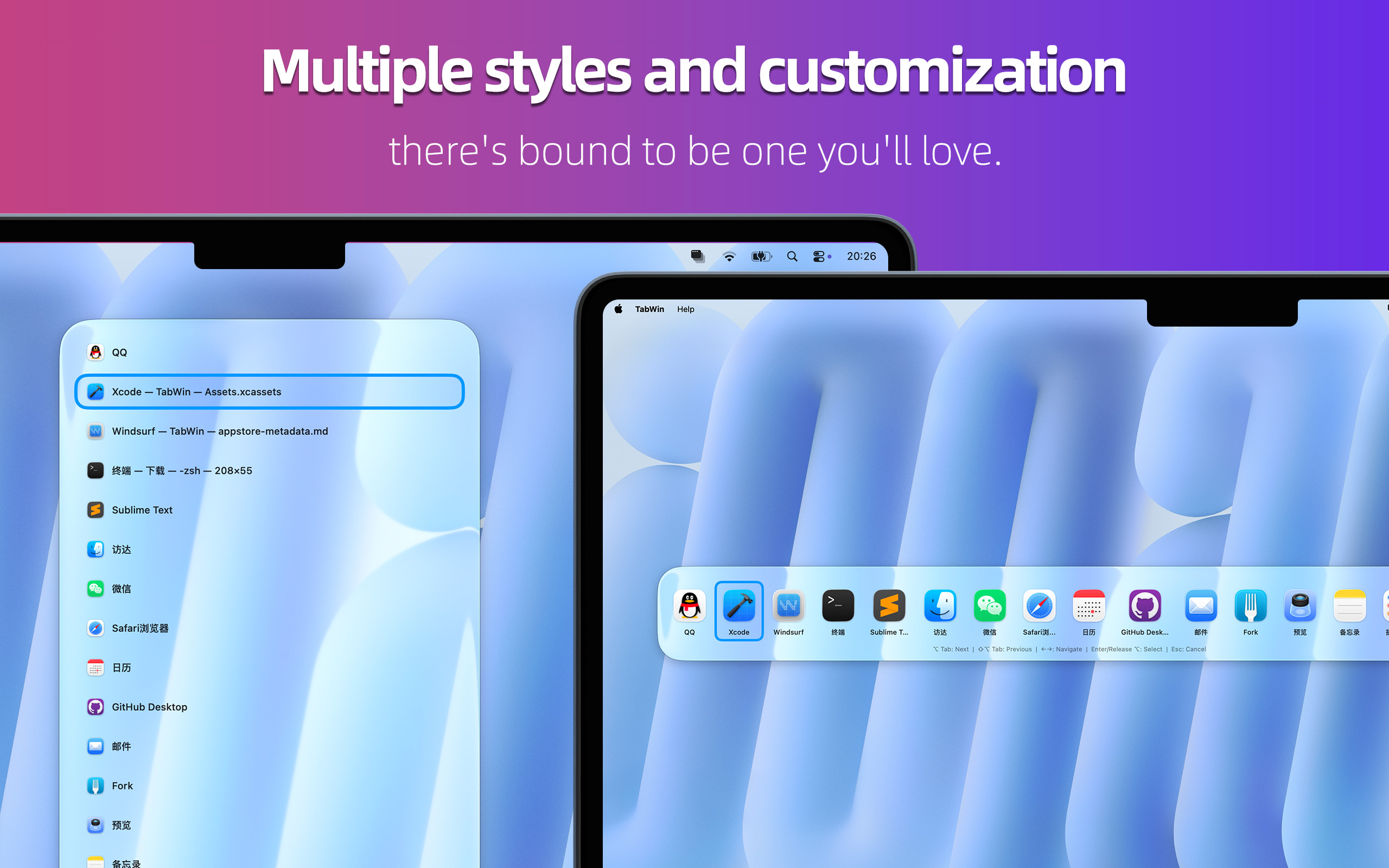
Instead of cycling through apps one by one, hold ⌥ (Option) and press Tab to summon a beautiful panel showing every open window — with live thumbnails, app icons, and window titles. Glance at them, pick one, release — you're there.
FEATURES
⌨️ INSTANT WINDOW OVERVIEW
Hold ⌥Tab to open the switcher panel. Press Tab repeatedly to move forward, Shift+Tab to go backward, or click directly on any window to switch instantly.
🖥 WORKS ACROSS ALL SPACES & DESKTOPS
See windows from every Space and Desktop in one place, so you never lose track of an open window again.
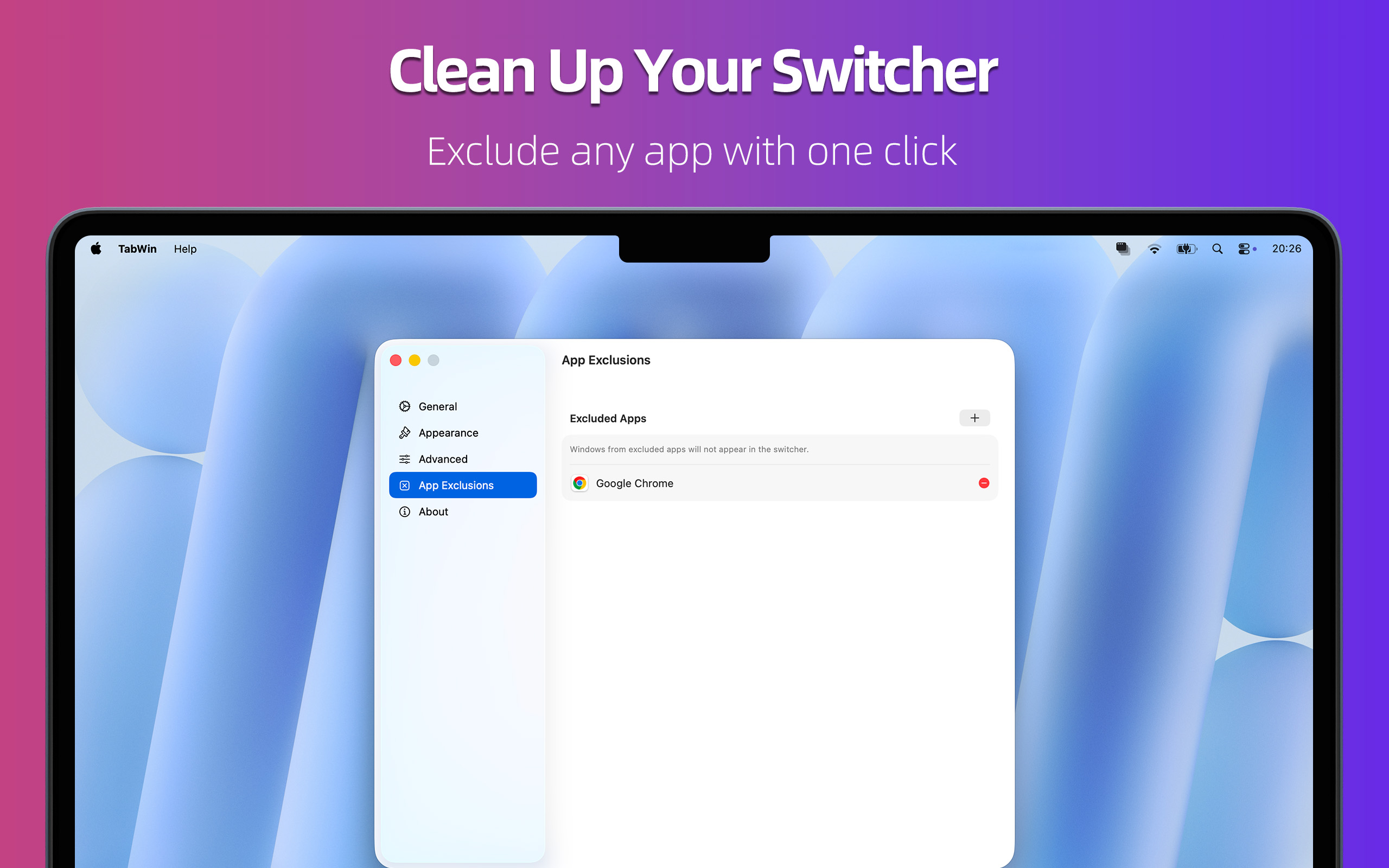
🚫 EXCLUDE APPS YOU DON'T NEED
Right-click the menu bar icon and exclude any frontmost app with a single tap. Clutter gone.
🎨 FOLLOWS YOUR SYSTEM APPEARANCE
TabWin automatically adapts to macOS Light, Dark, or your system default. It just fits.
📍 LIVES WHERE YOU WANT IT
Run TabWin as a menu bar app, a Dock app, or both — your call.
⚙️ HIGHLY CUSTOMIZABLE
- Set your own activation shortcut
- Hide apps with no visible windows
- Choose which screen to display on
Support
Feel free to contact us with any questions, feedback, or suggestions. We are here to help you! Email: pm@utap.me